
Help CenterAutomated Reminders & Campaigns

Automated Reminders & Campaigns

Schedule appointment reminders, run campaigns, and automate follow-ups with your customers.

6 min read

Appointment reminders

Appointment reminders
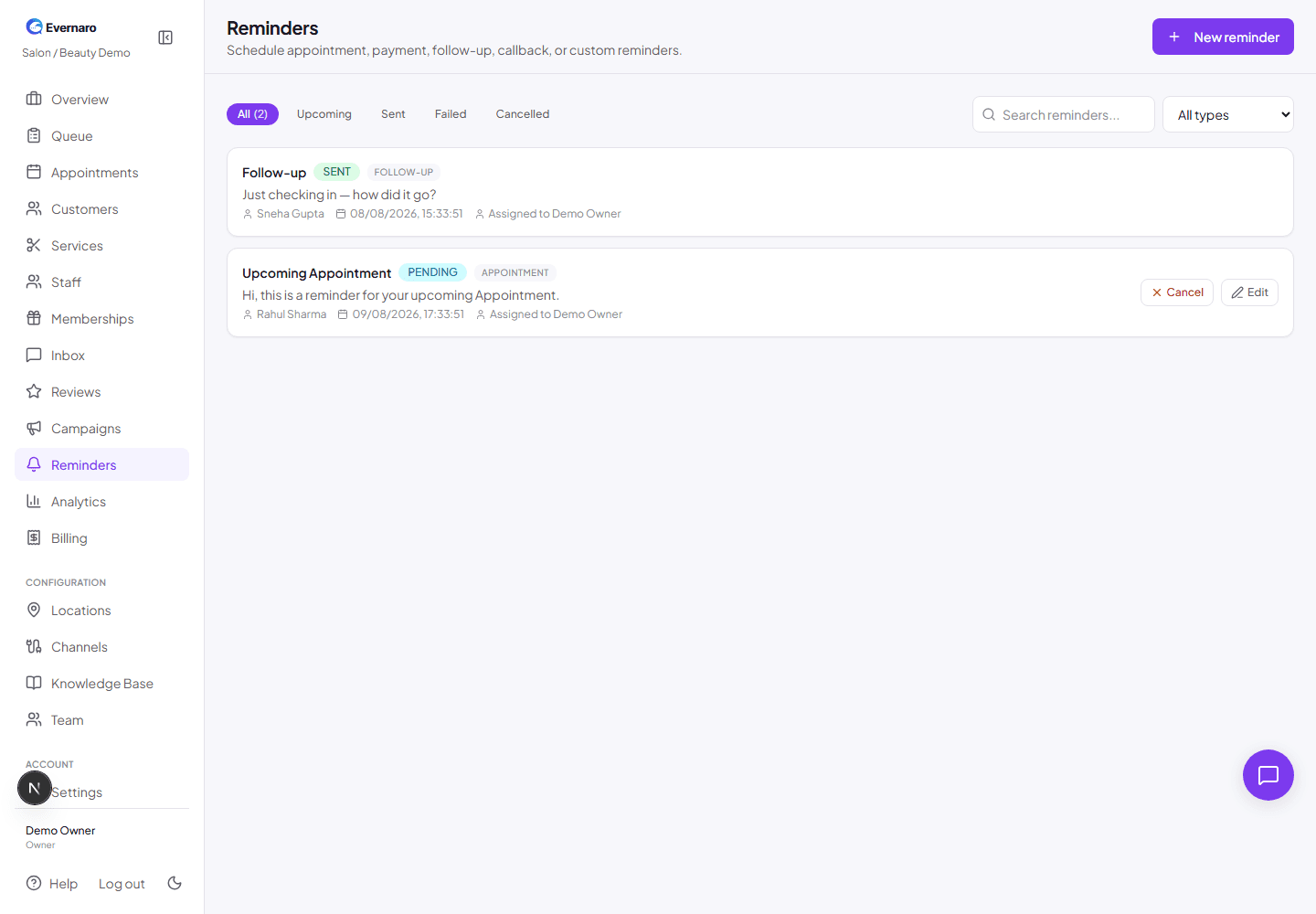
Reminders page shows upcoming and past reminders sent to customers.

Reminders are automatically generated when an appointment is created. You can also create them manually from the Reminders page.

How reminders work:

  1. An appointment is booked or confirmed.
  2. Evernaro schedules a reminder before the appointment time.
  3. A background worker sends the reminder through the connected channel (WhatsApp, Email, etc.).
  4. The reminder status is updated to Sent or Failed.

Note: WhatsApp reminders must use approved templates. Free-text reminders only work if the customer has messaged you within the last 24 hours.
Campaigns

Campaigns
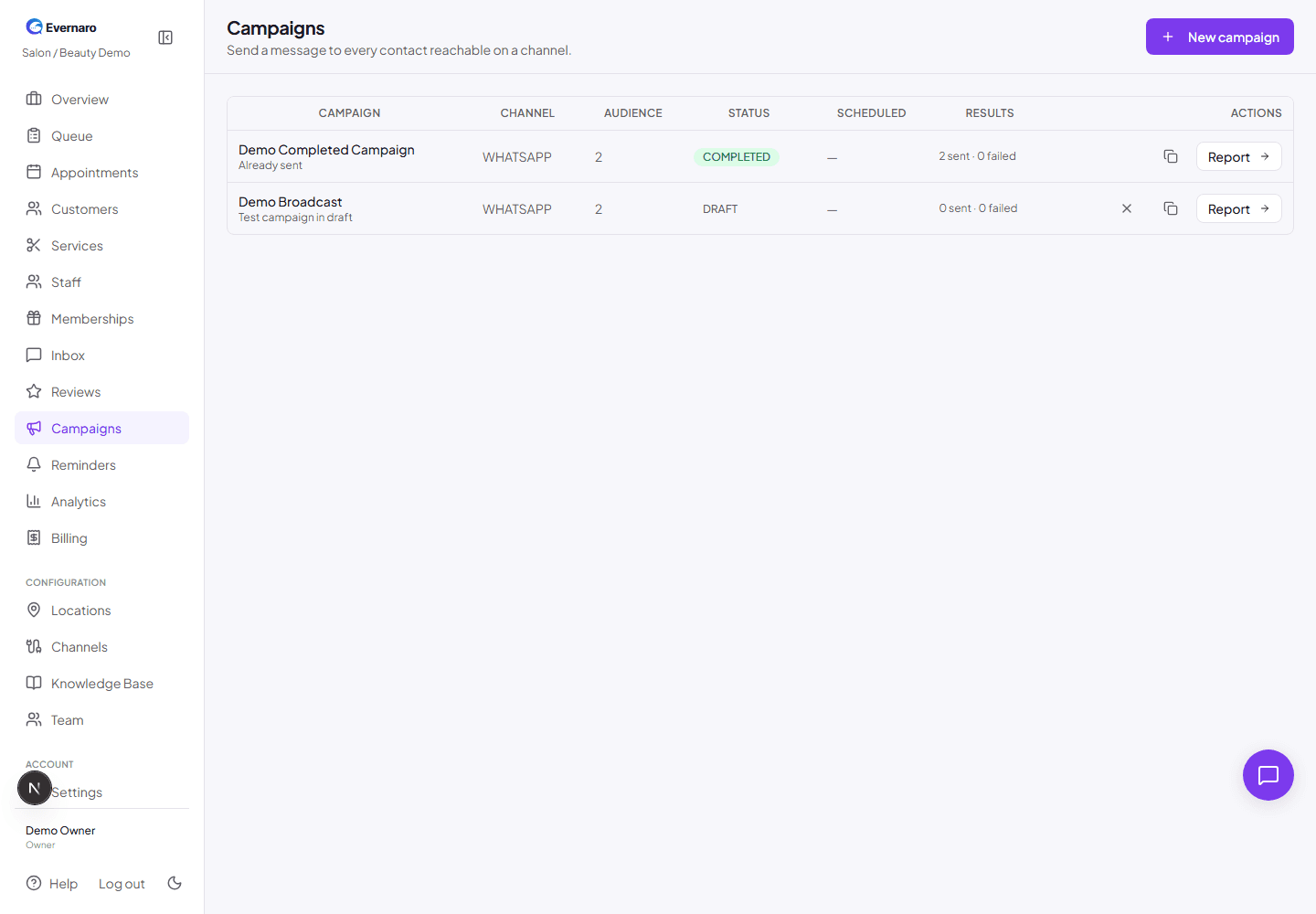
Campaigns page lets you create broadcast messages to groups of customers.

Campaigns let you send a broadcast message to many customers at once. Use them for promotions, event announcements, or seasonal offers.

  1. Go to Campaigns and click New campaign.
  2. Choose the channel (WhatsApp, Email, Telegram, etc.).
  3. Write the message. Use {{name}} to personalize with the customer name.
  4. Select the recipients from your contact list.
  5. Schedule or send immediately.

Note: WhatsApp campaigns require approved templates. Evernaro will guide you to select one.

Automations

Automations are rules that trigger actions based on customer events. For example:

  • Appointment due soon: Send a reminder message.
  • Service completed: Request a review after a few hours.

Automations are configured by the platform admin or in your business settings. They run in the background so your team does not have to remember every follow-up.