Help CenterServices, Customers & Appointments

Services, Customers & Appointments

Set up the services you offer, add customers, and manage their appointments end to end.

6 min read

Create services

Create services
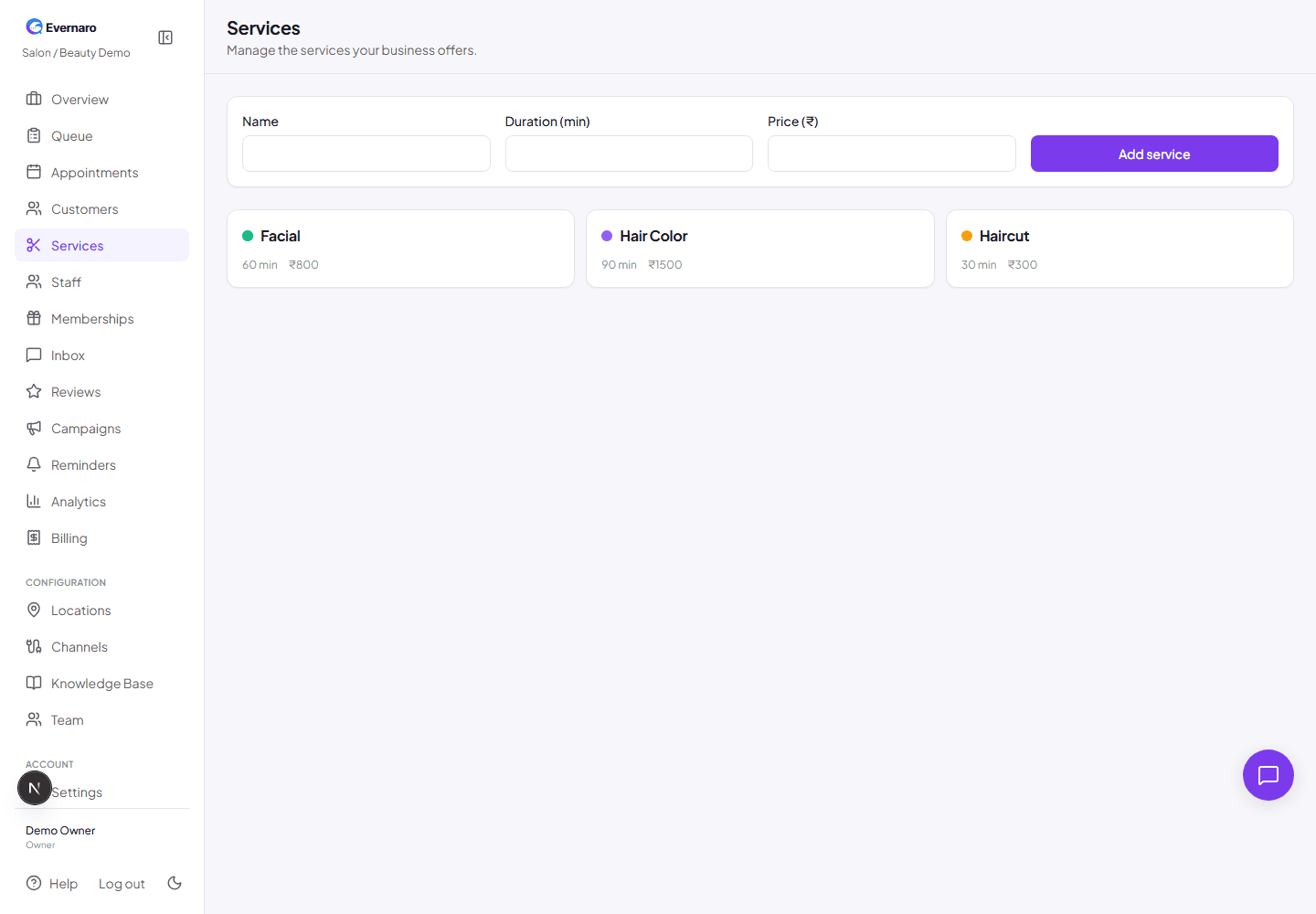
Services page lists every service with duration, price, and assigned staff.

Services are the building blocks of appointments and public booking. Go to Services in the sidebar and click Add service.

Fields you can configure:

  • Name: For example, Haircut, Facial, or Bridal Makeup.
  • Duration: How long the service takes in minutes. This drives appointment slots.
  • Price: Optional price in INR. Shown on the public booking page.
  • Color: A visual color for the service in calendars and reports.
  • Staff: Assign staff members who can perform this service.
Add customers

Add customers
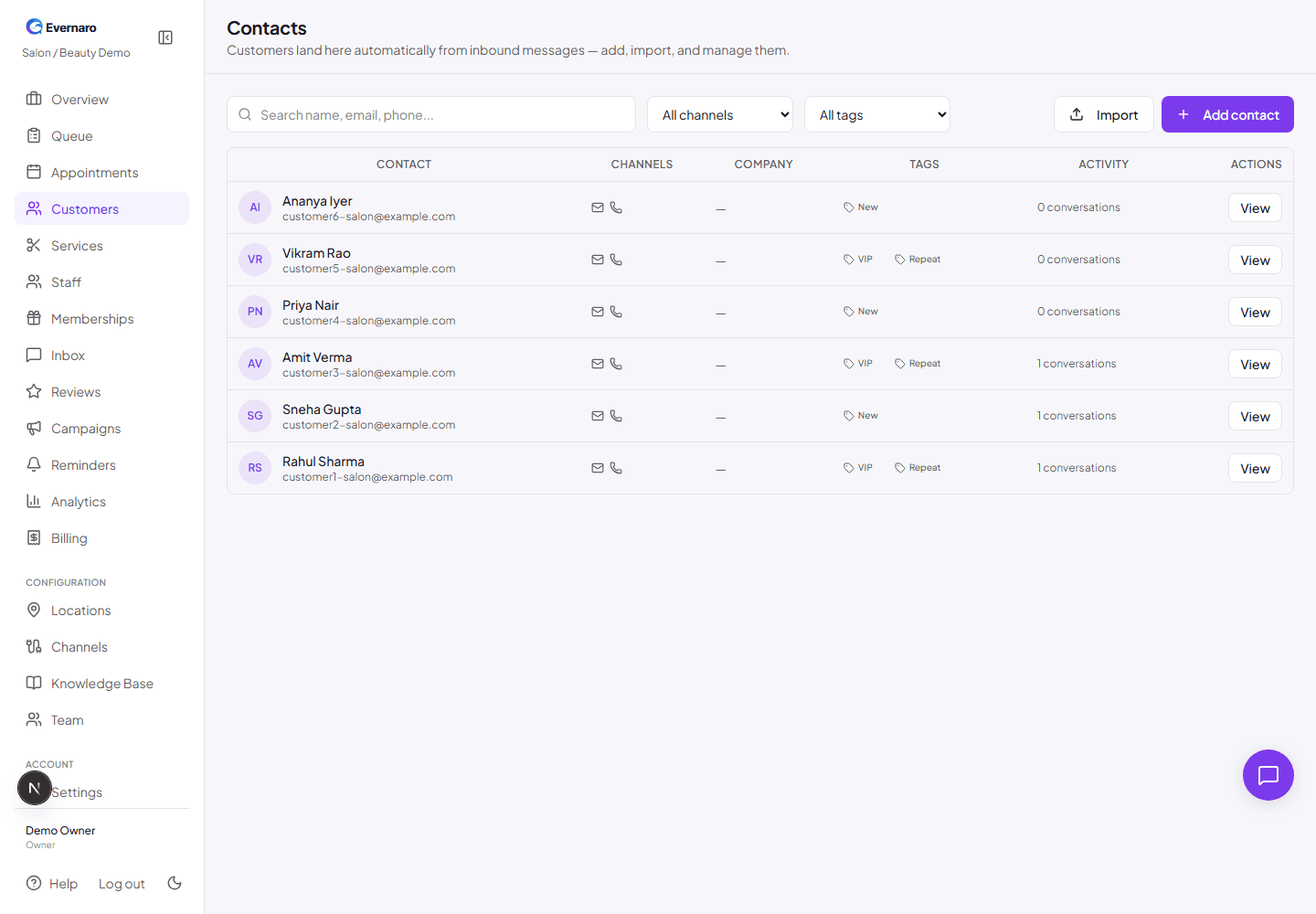
Customers page shows your contact list with names, phone numbers, tags, and recent activity.

Customers are also called contacts in Evernaro. Add them manually under Customers or import them from a CSV file.

For each customer you can store:

  • Name, phone, and email.
  • Tags such as VIP or Repeat.
  • Notes about preferences or history.
  • Appointments, invoices, queue entries, and conversation history.

When a customer messages you through a connected channel, Evernaro automatically links the message to their contact record if the phone or email matches.

Create appointments

Create appointments
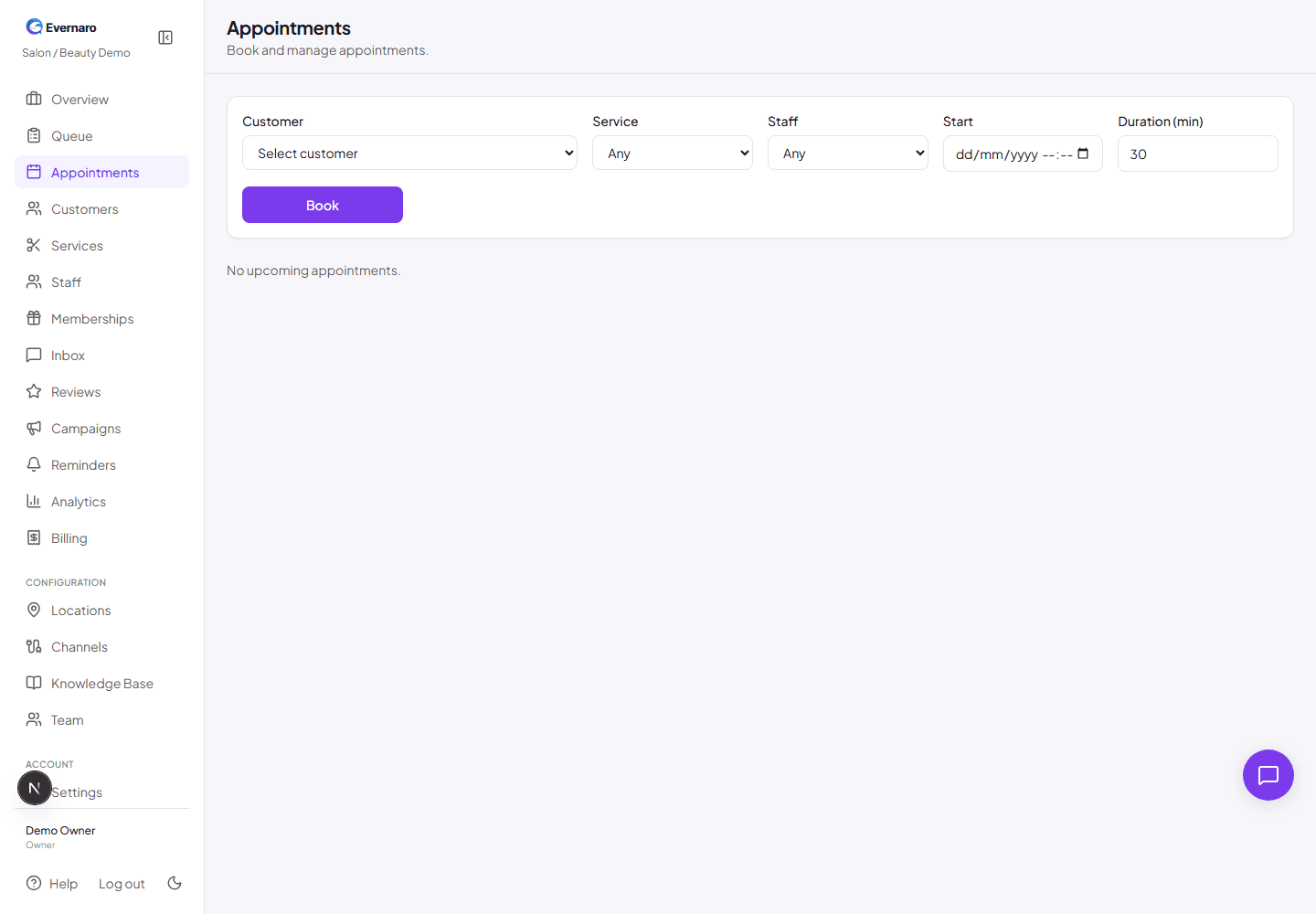
Appointments page shows upcoming and past appointments with status and customer details.

Appointments connect a customer, a service, a staff member, and a time slot. Go to Appointments and click New appointment.

  1. Select the customer.
  2. Select the service.
  3. Select the staff member (optional).
  4. Pick the date and time.
  5. Add notes if needed.
  6. Save the appointment.

Appointment statuses:

  • Booked: Reserved but not yet confirmed.
  • Confirmed: Ready to happen.
  • Completed: Finished.
  • Cancelled: No longer happening.

How services, customers, and appointments connect

Customer → Service → Appointment is the core workflow in Evernaro:

  1. A customer books or is booked for a service.
  2. Evernaro creates an appointment with the right duration and staff.
  3. Automated reminders are generated based on the appointment time.
  4. After the appointment, follow-up messages or review requests can be sent automatically.